
Three steps. And then you can just use it.
Every other tipping platform we compared asks you to book a demo before you can see the guest screen. This page just shows you.
Scan. Tap. Done.
Three real screens from this product, running on sandbox data.
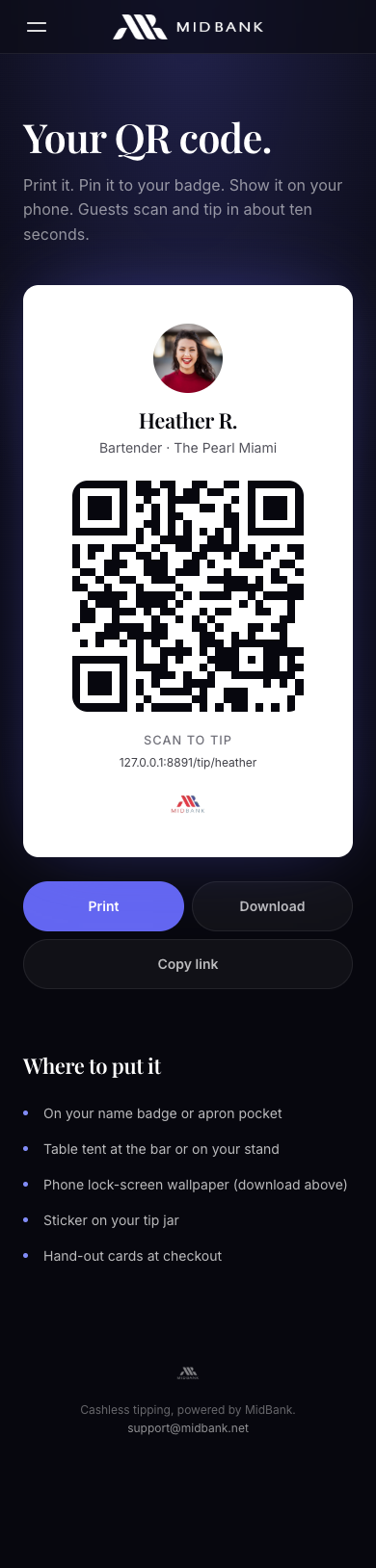
Scan.
Point a camera at the code on the name tag. The page opens in the browser. No app, no account, no sign-up.
Screenshot · sandbox · 2026-08-25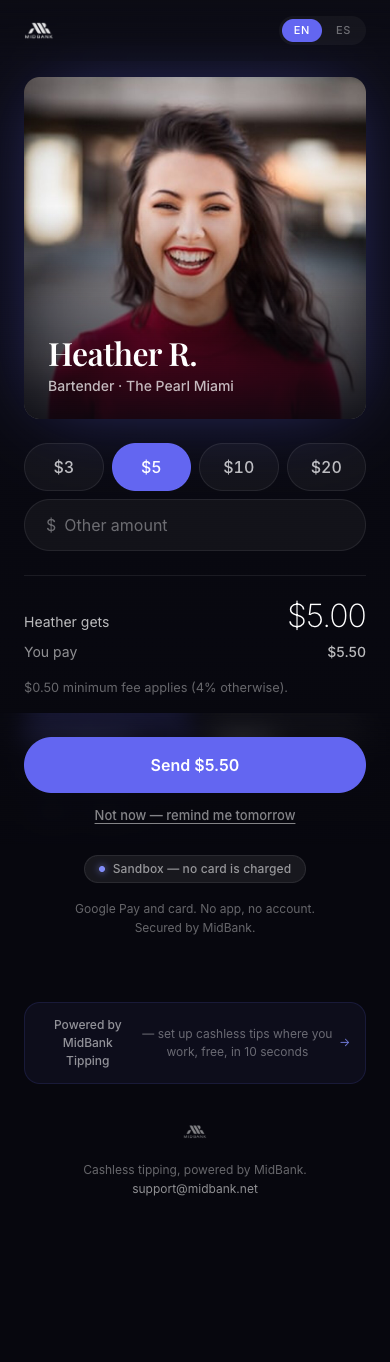
Tap.
Pick an amount. The fee and the amount the team member receives are printed above the pay button, before anyone commits to anything.
Screenshot · sandbox · 2026-08-25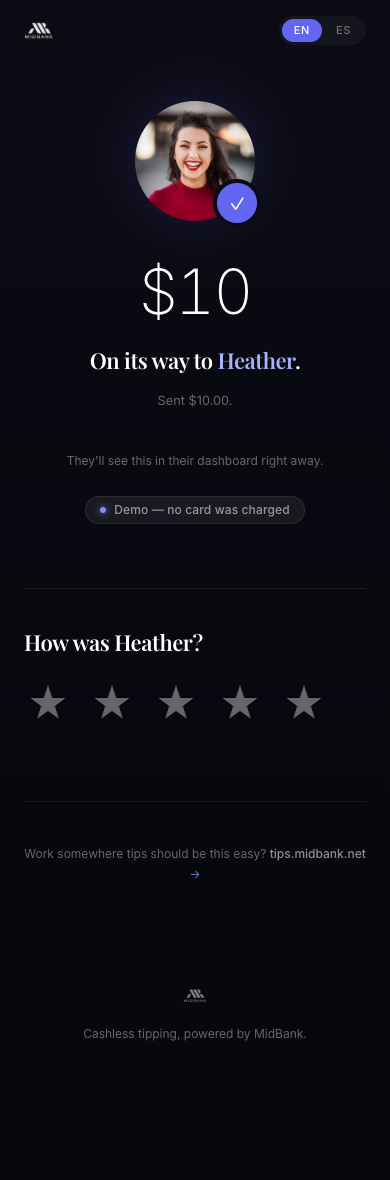
Done.
Pay with Apple Pay, Google Pay or a card, then rate the service. It lands in that person's own ledger.
Screenshot · sandbox · 2026-08-25Try the actual page
Live page · sandbox · no card is charged
This is the real page, running in sandbox. Tap through it. No card is charged, nothing is stored, and you do not have to talk to anyone first.
Every other tipping platform we compared asks you to book a demo before you can see this screen. Read the comparison — the quotes and the dates are there.
What the guest never has to do
Then what happens
The money path, in order — each row a real screen we can show, linked.
Payments run in sandbox — no card is charged and no money moves.